Deploying to Cloudflare Workers
Set up your project
- New project
- Existing Cloudflare Workers project
Start with the cloudflare-workers-template and follow its README.
Create your Restate + CloudFlare workers repository
Develop locally
Develop locally
A Workers dev server can be started on port 9080 using:Register the service with Restate:
wrangler only supports HTTP/1.1 when running locally, so the --use-http1.1 flag is required. This flag is not needed when deploying to Cloudflare Workers.Secure your service with request identity validation
Cloudflare Workers are public HTTP endpoints. Secure your service with request identity validation so that it only accepts requests from the Restate environment you trust.Configure the key in your Restate SDK endpoint before deploying.The public key is not secret, so it is safe to include it directly in your service source code or configuration files.
- Restate Cloud / BYOC
- Restate OSS
 Restate Cloud / BYOC
 Restate OSS
Restate Cloud and BYOC environments create and manage the request identity key for you.Copy the environment’s public key from Developers > Security > HTTP endpoints in the Restate Cloud UI.
Register the service to Restate
After deploying to Cloudflare Workers, use Preview URLs so Restate can target specific service versions.
Copy the url of the version, as highlighted here: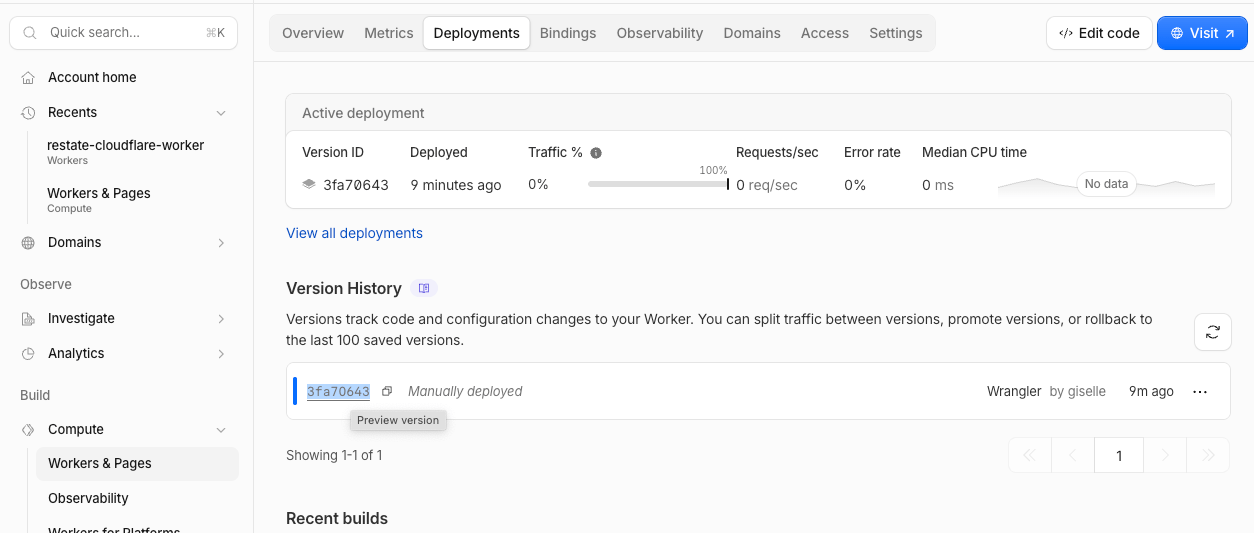
- Restate Cloud / BYOC
- Restate OSS
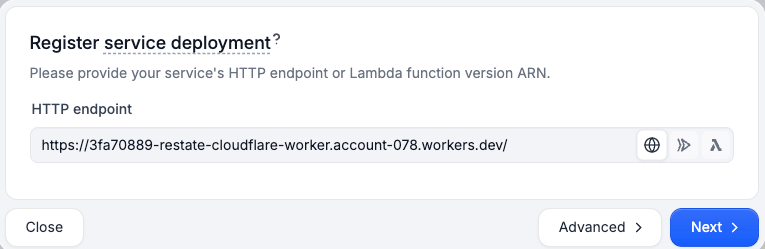
Register the service with Restate via the UI:
Send your first request
- Restate Cloud / BYOC
- Restate OSS
You’re set up! Go to the Overview page > Greeter > Playground and start sending requests to your service.
{"name": "Alice"} as the request body to the service.CI/CD Automation
To automatically deploy to Cloudflare Workers on each git commit tomain and automatically register new Restate service versions:
Make sure your Cloudflare Worker project exists before the first workflow run. If it does not, create it with
npx wrangler deploy.- Restate Cloud / BYOC
- Restate OSS
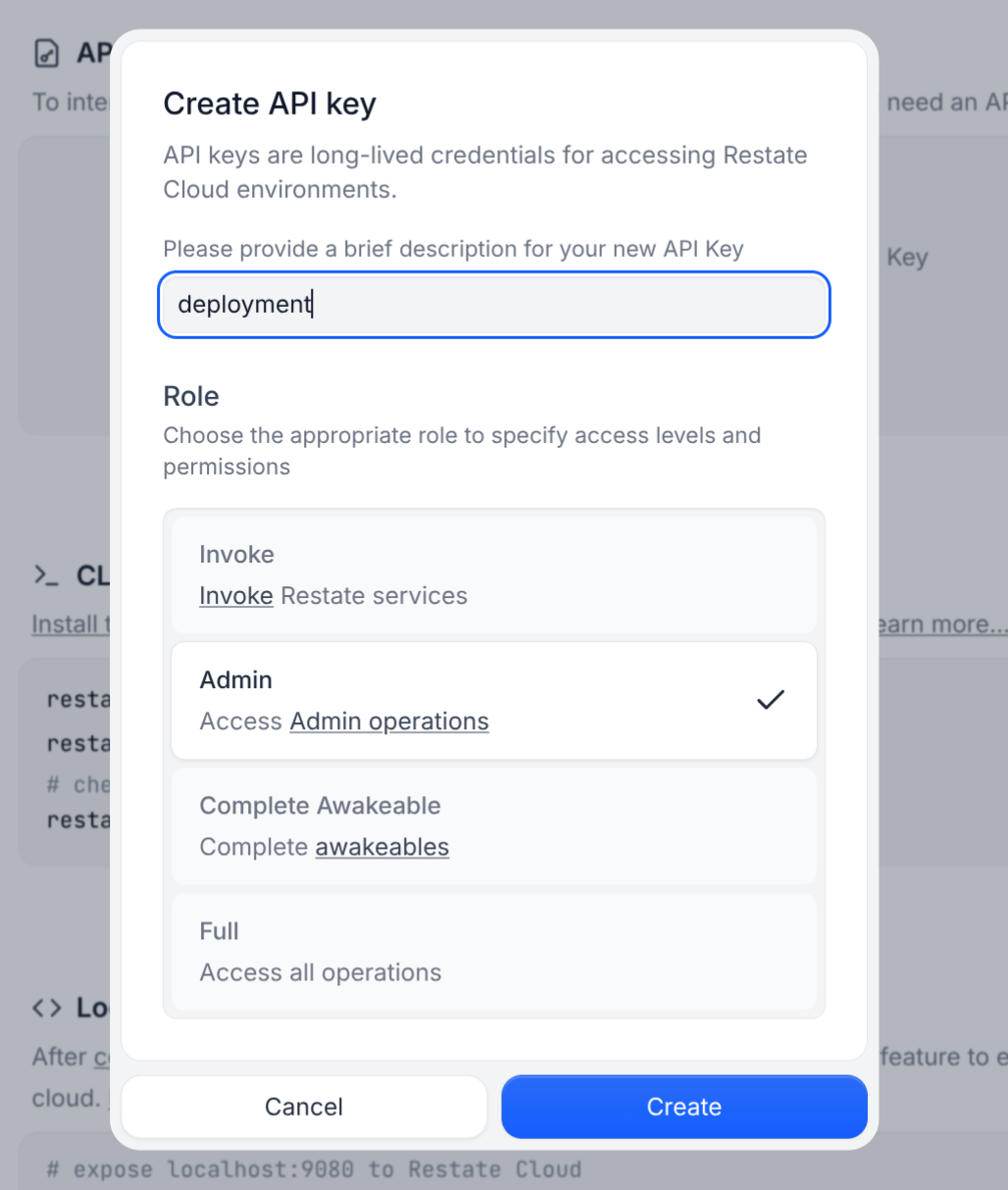
CLOUDFLARE_ACCOUNT_ID: Your Cloudflare Account. To get your account id, check https://developers.cloudflare.com/workers/ci-cd/external-cicd/github-actions/#cloudflare-account-idCLOUDFLARE_API_TOKEN: Your Cloudflare API token. To get a token, check https://developers.cloudflare.com/workers/ci-cd/external-cicd/github-actions/RESTATE_ADMIN_URL: The Admin URL. You can find it in Developers > Admin URLRESTATE_AUTH_TOKEN: Your Restate Cloud or BYOC auth token. To get one, go to Developers > API Keys > Create API Key, and make sure to select Admin for the role
View
View