

Restate Cloud
Learn more about what Restate Cloud has to offer and pricing plans.
Get started with the free tier
Sign up
Restate Cloud offers a free tier that lets you get started quickly, with no credit card required.After signing up, you’ll be prompted to create an account and an environment.An environment is a unique Restate cluster instance, managed by Restate.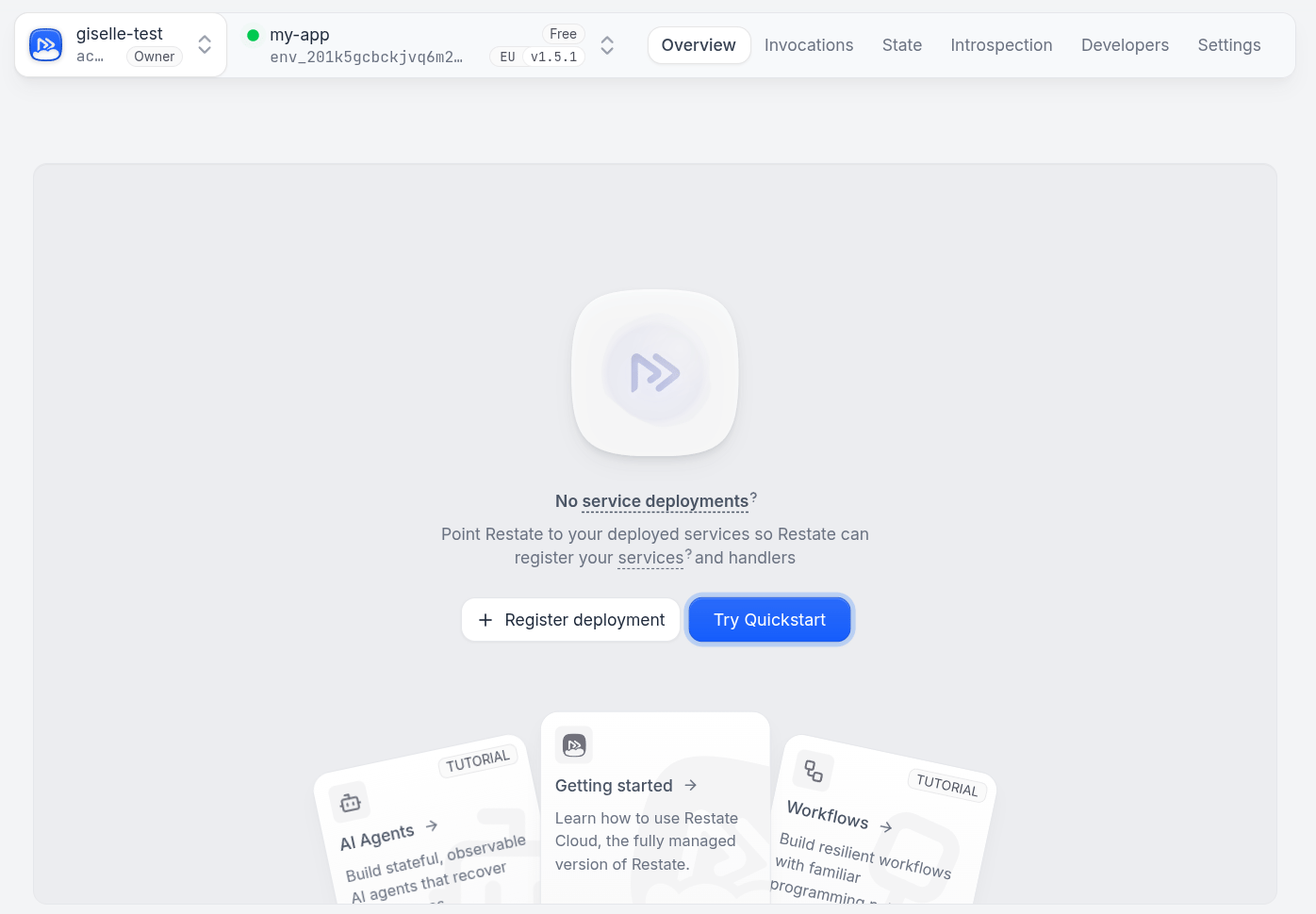
Sign up for Restate Cloud Free Tier
Connect your CLI
You can start using your new environment straight away using the Restate CLI.Log in to Restate Cloud:Set up a new CLI profile for your environment:Tell the CLI to use the new environment:
At any time, you can switch your CLI back to point to a Restate server running
on your machine with
restate config use-environment local (see the
CLI config docs).Run your service
Run your own Restate service on
localhost:9080, or get and run one with the quickstart.Expose your service to Restate Cloud
After connecting the CLI to your environment, you can use the CLI tunnel feature to expose your local service to Restate Cloud.For example to expose a service running on
localhost:9080, run:Connect your services
For a guided introduction, watch this walkthrough of getting started with Restate Cloud:
When using Restate Cloud, you can run your services anywhere: on Kubernetes, as serverless functions, on AWS Lambda, or in private environments. The only requirement is that your services need to be reachable from Restate Cloud’s infrastructure.
Choose where your service runs and follow the corresponding deployment guide:

Kubernetes
Deploy with the Restate Operator and connect through an in-process or standalone tunnel.

Vercel
Deploy TypeScript services to Vercel and secure their public endpoints.

AWS Lambda
Let Restate Cloud invoke versioned Lambda functions through an IAM role.

Google Cloud Run
Register private Cloud Run services with native OIDC authentication.

Cloudflare Workers
Deploy TypeScript services to Cloudflare Workers.

Deno Deploy
Deploy TypeScript services to Deno Deploy.

Other serverless platforms
Connect services running on other serverless, AI compute, and application platforms.

Containers and VMs
Connect services through public endpoints or a secure tunnel client.
Invoke services with API keys
To call your services from other apps or scripts, send HTTP requests to your environment’s ingress URL using your API key. You can find the ingress URL in the Developers tab of the Cloud UI. Usually it has the formhttps://<env_id>.env.<region>.restate.cloud:8080, where the <env_id> is your environment ID without the env_ prefix, and <region> is either us or eu.
To create an API key, go to the Developers tab in the Cloud UI.
Now you can call your service handlers by including the API Key as a Bearer token like this:
You can use this approach for sending requests to the Admin API from scripts, CI pipelines, API gateways, or services that exist outside Restate.